
Starbucks Gift Card Balance 2026: How to Check, Reload & Use Your Card
Checking your Starbucks Gift Card Balance is easy. You can check it online, through the Starbucks app, or at a participating store. You can also explore the complete Starbucks Menu to compare all drinks in one place.
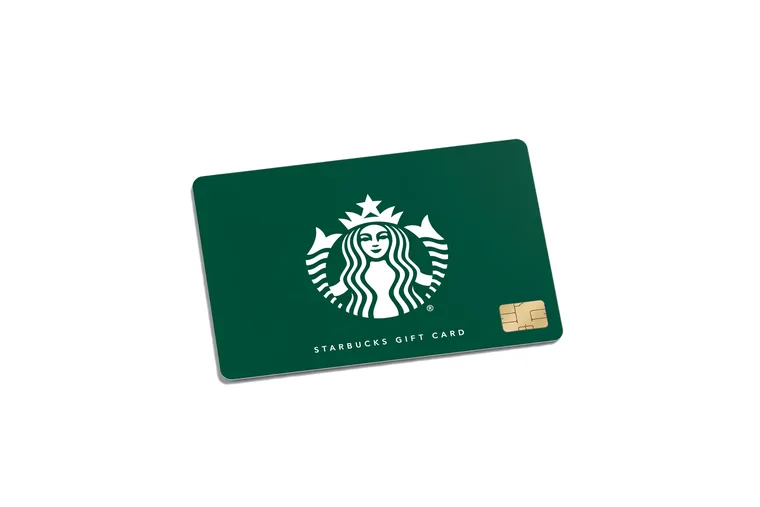
You can also reload your card when the balance is low. This guide explains each method in simple steps.
Quick Ways to Check Starbucks Gift Card Balance
There are several ways to check your Starbucks gift card balance.
| Method | What You Need |
|---|---|
| Online | Card number and security code |
| Starbucks App | Starbucks Card added to your account |
| In Store | Physical or digital card |
| Account | Registered card details |
The online method is useful when you are away from a Starbucks store. The app is convenient for regular Starbucks customers.
Check Starbucks Gift Card Balance Online
You can check your balance online with your Starbucks Card details.
How to Check Your Balance Online
- Open the Starbucks website.
- Go to the Starbucks Card section.
- Select the balance option.
- Enter your card number.
- Enter the required security code.
- Submit the details.
- Check your available balance.
Enter your card information carefully. Keep your card number and security code private.
Check Starbucks Gift Card Balance Using the App
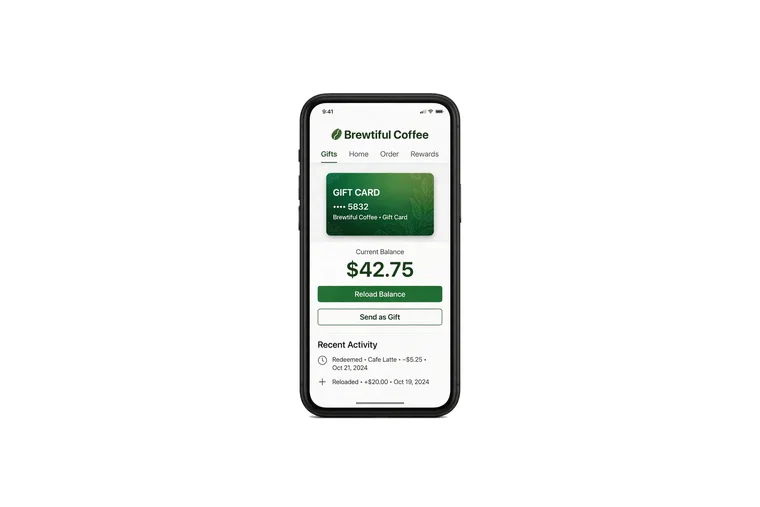
The Starbucks app makes card management simple. You can view your balance if your card is connected to your account.
How to Check Your Balance in the App
- Open the Starbucks app.
- Sign in to your account.
- Open the Starbucks Card section.
- Select your card.
- View the current balance.
The app can also help you reload your card. You can use eligible cards for supported mobile orders.
Check Starbucks Gift Card Balance in Store
You can also check your balance at a participating Starbucks store.
Take your physical card with you. You can also show your digital card when available.
Ask a barista to check the remaining balance. This is useful when you are already visiting a store.
Can You Check Starbucks Gift Card Balance Without Login?
You may be able to check your balance without signing into a Starbucks account.
Use the available balance-checking option. Enter the card information requested.
What You Need
You may need:
Never share these details with strangers. They can be used to access your card balance.
Starbucks Gift Card Features and Benefits
Starbucks Cards offer several useful features.
- Easy Payments: You can use an eligible Starbucks Card to pay for qualifying purchases. This can be easier than carrying cash.
- Mobile Convenience: You can add an eligible card to your Starbucks account. This makes it easier to manage your balance.
- Reloadable Balance: You do not always need a new card when your balance is low. Eligible Starbucks Cards can be reloaded.
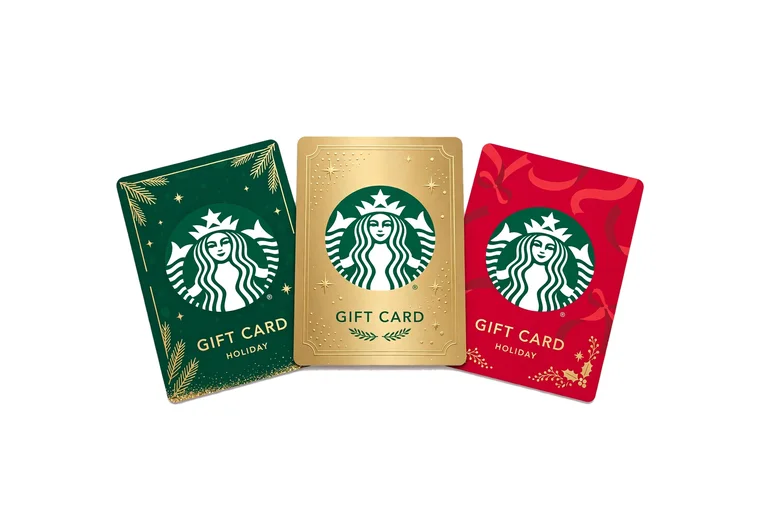
- Good Gift Option: Starbucks Cards are popular gifts. They can be used for birthdays, holidays, and other occasions.
- Physical and Digital Options: Starbucks offers physical and digital card options. Availability can depend on the purchase method.
Where to Buy Starbucks Gift Cards
You can buy Starbucks gift cards through several channels.
- Starbucks Stores: Physical Starbucks Cards are available at participating Starbucks locations. Availability can vary by store.
- Online: You can purchase eligible digital Starbucks Cards online. Digital cards are useful for quick gifts.
- Retail Stores: Some supermarkets and other retailers sell Starbucks gift cards. Check the card before purchasing it.
Buy cards from trusted sources. Avoid suspicious sellers or heavily discounted cards.
How to Reload a Starbucks Gift Card
Reloading adds more money to your existing Starbucks Card. You can do this through supported Starbucks payment options.
How to Reload Your Starbucks Card
- Open the Starbucks app or account.
- Select your Starbucks Card.
- Choose the reload option.
- Select an amount.
- Choose your payment method.
- Confirm the transaction.
- Check the updated balance.
Available payment methods can vary. Check the options shown in your account.
Starbucks Gift Card Deals and Discounts
Starbucks may offer gift card promotions during the year. Some offers are tied to holidays or special events.
Promotions can have specific terms. They may not be available to every customer.
Always check the offer details before purchasing a gift card. Do not assume that every promotion applies to every card.
What Happens If You Lose a Starbucks Gift Card?
Losing a Starbucks Card can be stressful. Your options depend on whether the card is registered to your account.
A registered card may provide better protection for the remaining balance. An unregistered physical card can be harder to recover.
If your card is lost, contact Starbucks support. Follow the available steps for your card.
Does Starbucks Gift Card Balance Expire?
Starbucks Cards generally do not have a traditional expiration date for the remaining balance in the United States.
However, specific products or promotions can have different terms. Check the current card terms if you have an older or special card.
Can You Transfer a Starbucks Gift Card Balance?
Eligible Starbucks Cards can be managed through your Starbucks account.
Some account features may allow balances to be moved between eligible cards. The exact options depend on the card and current Starbucks terms.
Do not assume every physical card can be transferred. Check the available options in your account.
Where Can You Use a Starbucks Gift Card?
You can generally use a Starbucks Card at participating Starbucks locations.
Eligible cards may also work through supported Starbucks ordering channels. Some licensed locations can have different payment rules.
International Starbucks locations may follow different card rules. Check the applicable terms before using your card outside the United States.
Starbucks Gift Card Pro Tips
Follow these simple tips to manage your card safely.
Can You Use a Starbucks Gift Card for Food?
Yes, eligible Starbucks Cards can generally be used for qualifying food and drinks.
You can use them for many Starbucks menu items. These can include breakfast foods, bakery items, snacks, and beverages.
Availability can vary by store and ordering method.
Starbucks Gift Card Balance FAQs
How do I check my Starbucks Gift Card Balance?
You can check your balance online, through the Starbucks app, or at a participating Starbucks store.
Can I check my Starbucks Gift Card Balance without logging in?
You may be able to check it without signing in. Use the available balance-checking option and enter your card details.
Can I reload my Starbucks Gift Card?
Yes. Eligible cards can be reloaded through supported Starbucks options.
Can I use my Starbucks Gift Card for food?
Yes. Eligible Starbucks Cards can generally be used for qualifying food and beverage purchases.
What happens if I lose my Starbucks Card?
A registered card may offer better protection for the remaining balance. Contact Starbucks support if your card is lost.
Does a Starbucks Gift Card expire?
Starbucks Cards generally do not expire in the traditional sense in the United States. Special cards or promotions can have different terms.
Can I use a Starbucks Gift Card at every Starbucks?
Starbucks Cards are generally accepted at participating locations. Some licensed locations may have different rules.
Can I have multiple Starbucks Cards?
Yes. You can manage multiple eligible Starbucks Cards through your Starbucks account.
Final Thoughts
Checking your Starbucks Gift Card Balance does not have to be complicated. You can use the online balance checker, Starbucks app, or a participating store.
You can also reload eligible cards when needed. Keep your card information private and register your card when possible.
For promotions and card features, always check the latest terms. Rules and offers can change over time.